

Workspace
One description in. A booking flow, a rota and a walkthrough out.
- 01
Describe the shop
Services, opening hours, staff, travel time and deposits.
- 02
Read the configuration
Timings, page wording, messages, rota and policy wording.
- 03
Produce the diagrams
Booking page, slot grid, rota sheet and reminder timeline.
- 04
Adjust and regenerate
Change a length or a buffer and run it again.
- 05
Export the bundle
Configuration sheet, diagrams and walkthrough clips.
Bookmint produces AI-assisted templates and suggestions for your own review. It is not legal, employment, tax or labour-compliance advice, and rota suggestions are a starting point that you must check against the working-time and employment rules that apply to you.

Check it on the counter
Read the configuration the way your customer will, on a phone, before you publish it.
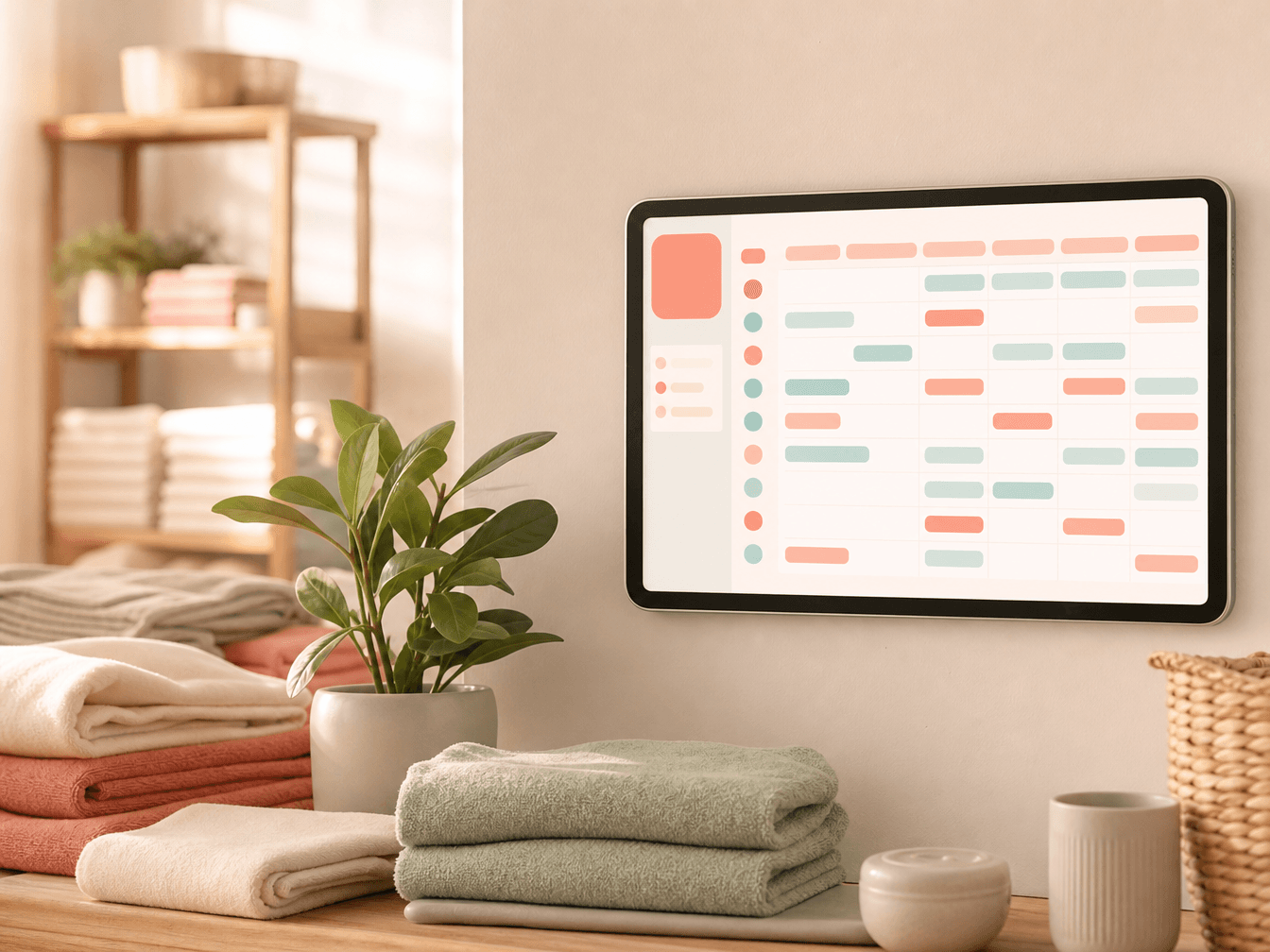
Show the team
The rota sheet prints cleanly and gives the team something to correct rather than guess at.

Show the customer
The walkthrough clip exports in 16:9 for a shop screen and 9:16 for social feeds.